How to get in
Five quick steps from the website to your download. You need to have been invited with your Google email first.
- 1
Open the Members page
On matanestudios.com, scroll all the way to the bottom and click Members in the footer. After you have signed in once, a Members button also shows up at the top of every page.

- 2
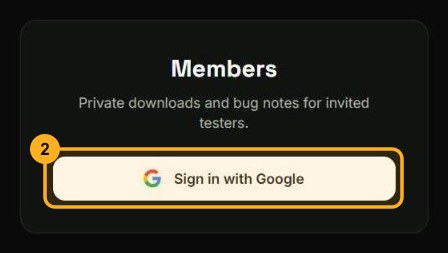
Sign in with Google
Click Sign in with Google and choose the exact Google account you were invited with. If Google shows a long address ending in supabase.co, that is normal, so go ahead and continue.
- 3
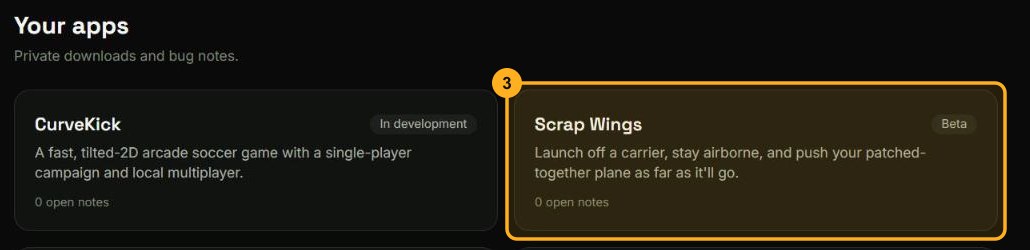
Pick your app
You will see the apps you have been given access to. Click the one you want to try.
- 4
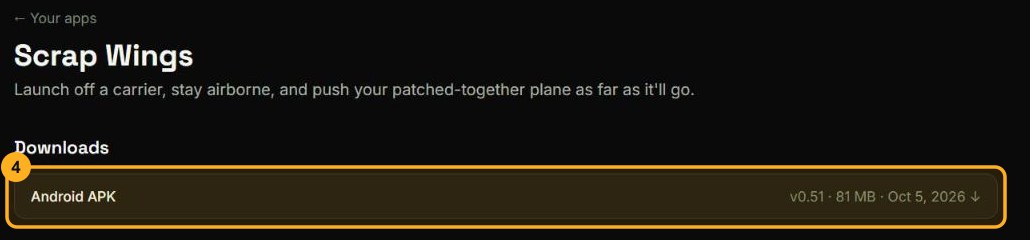
Download and install
Click the download for your device. On Android, allow installing from your browser if your phone asks. On Windows, unzip the file and run the program or installer. On a Mac, open the downloaded file and drag the app into Applications.
- 5
Tell us what you find
Under Notes & bugs on the same page, write what happened, pick how serious it is, and attach screenshots. Everyone testing that app can see the notes.